
Sometimes we only want to show part of the node body as an abstract. In this case, we can achieve this by adding a Teaser Break in the node body. A Teaser break is simply a HTML code as follow
<!--break-->
Let’s say i have a view which show all the songs title and the lyrics as teaser, you can configure the view as follow.

Next we have to add the Teaser Break in every song node. This can be done by adding <!–break–> or clicking the Split summary at cursor button. But i think using the <!–break–> is more convenient.
Teaser Break
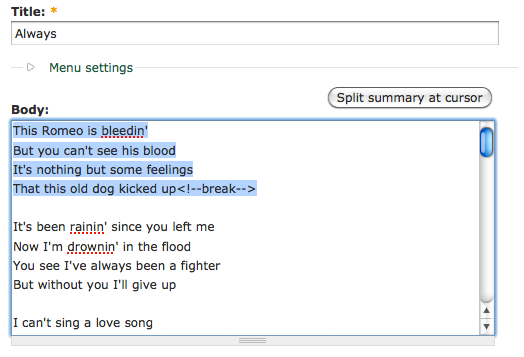
Split summary at cursor
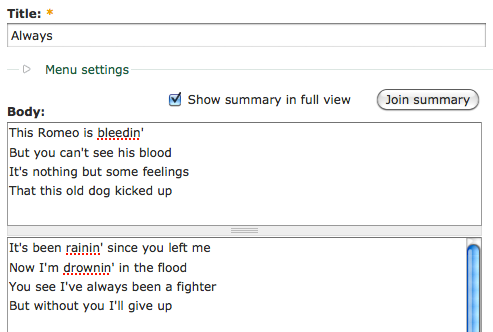
Check it out in your view page.

Done =)
Reference: Drupal Documentation – Manually controlling the teaser break point

 Eureka!
Thank you, very helpful and detailed explanation of this mechanism. It helped me a lot with breaking teaser from body, using views.
LikeLike
you are welcome. =)
LikeLike