
FoxyCart version: 0.7.1
If you enable the PayPal payment method in the FoxyCart admin, there will be PayPal Checkout Button on the cart lightbox.
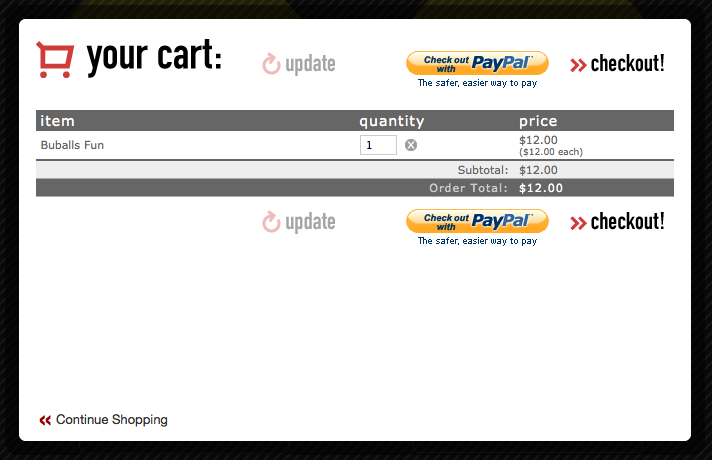
It maybe a bit confusing to customer, so u want to hide it from the cart view. This can be done by logging in the FoxyCart admin page and insert the following piece of code inside the cart template head anchor.
...
<style type="text/css" >
  #fc_cart_container a.fc_cart_checkout_paypal {
    visibility: hidden;
  }
</style>
...
See what you get now.
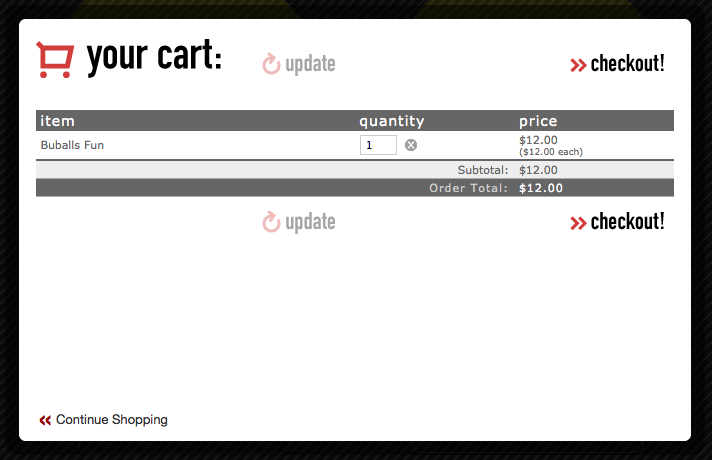
Done =)
Reference: FoxyCart Forum – v060 tip: Remove paypal checkout button from cart

 Eureka!