
The i18n module not only helps translating the Drupal website, it also helps user to manage the translations of the contents/nodes. Once you have enabled the Internationalization in the i18n module, the Content Translation is also activated.
1. Edit the content type which you want to enable the translation.

2. Go to @ Administer –> Content management –> Content. All the contents which created previously are Language neutral.
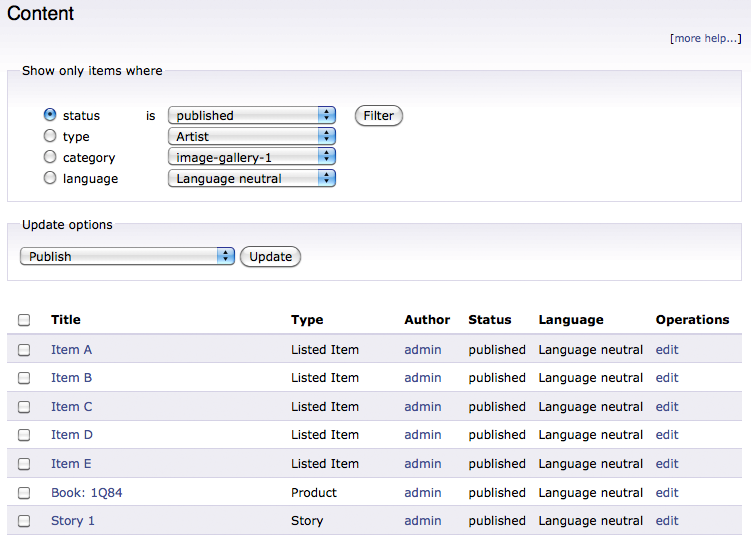
3. Edit the content and set the Language according to the node content.

4. There will be a Translate tab when you view/edit the node. You can manage the all translations of a specific node there.
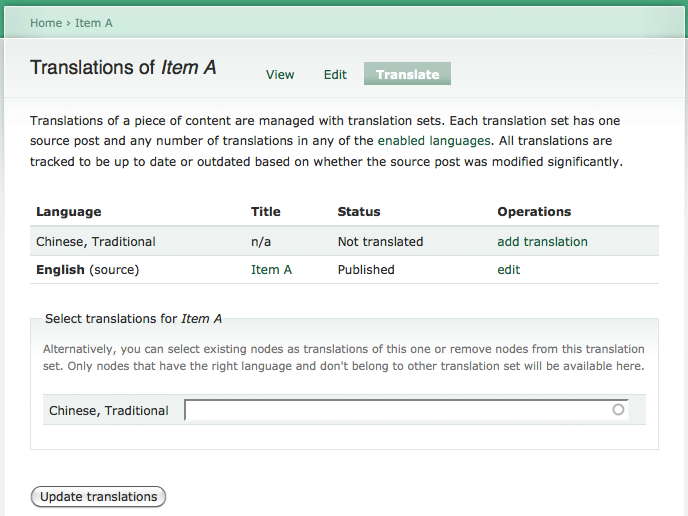
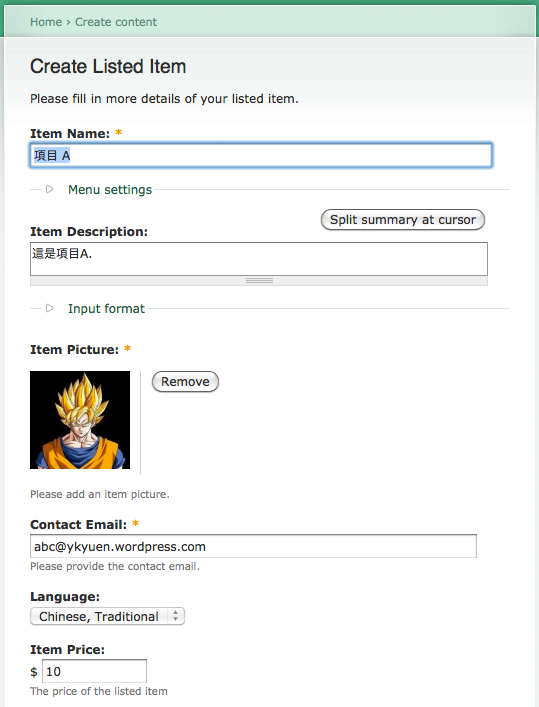
5. Let me create the Traditional Chinese content.
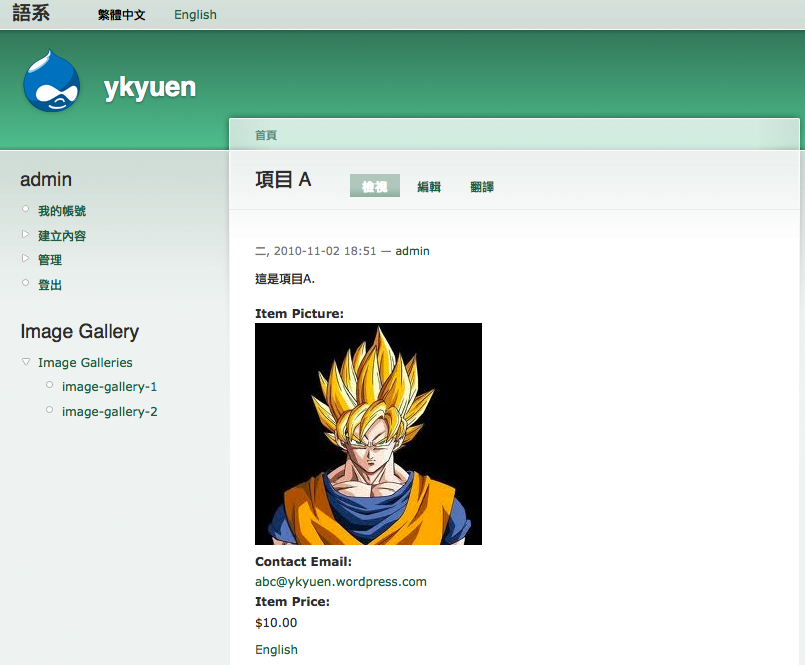
6. Drupal will take care of the node mapping. You can now switch the language when viewing the node and the corresponding translation is shown.
Next suggested article: Drupal – Synchronize Translation
Done =)

 Eureka!
One thought on “Drupal – Content Translation”