
As a powerful CMS, Drupal supports many different language. This post shows you how to apply language pack to your Drupal.
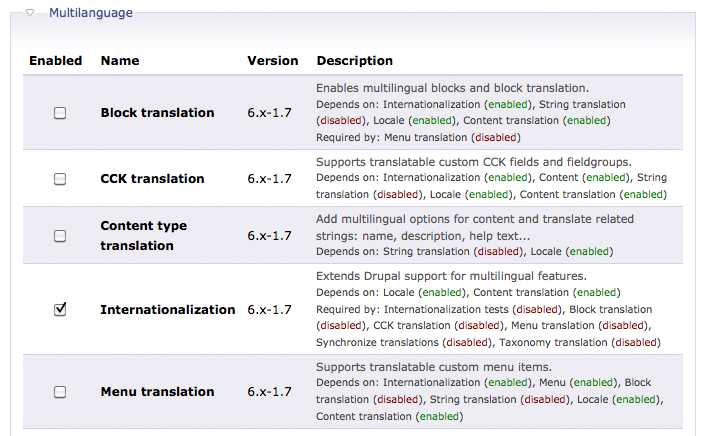
1. Download an install the i18n module at here.
2. Download the language pack at Drupal Translation.
3. Open Terminal and copy the language pack archive to the drupal root folder. Extract it with the following command.
4. Go to Administer –> Site configuration –> Languages –> Configure. Select Path prefix only for Language negotiation.

5. Add the language.

6. Enable the Language Switcher Block and you can now switch the language.
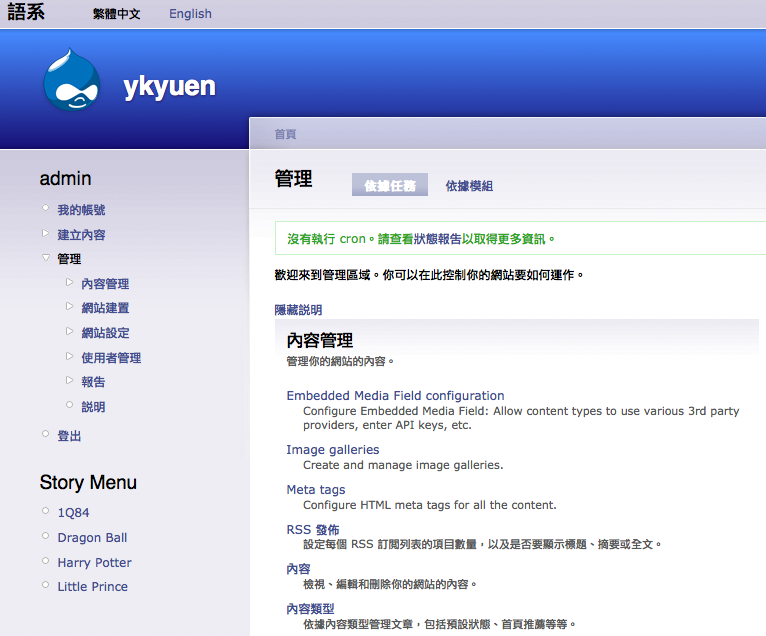
Actually the i18n module provides much more functionality than what i have just mentioned above as you can see on the module configuration page. And there are many modules can work with it for translation. You’d better setup a Drupal testing site and try them.
Done =)
Reference:

 Eureka!
2 thoughts on “Drupal – Apply Language Pack”