
The AVAudioRecorder creates .caf format file in my next iPhone Application. so what is .caf file?
Core Audio Format (.caf) is a audio file container developed by Apple for audio files. A .caf file can contains different audio file formats just like .mov container for different video formats.
The post shows you how to convert the following file extensions to .caf using iTunes.
- .mp3
- .wav
- .aac
- .aiff
- Apple Lossless
Here comes to the steps
1. Open iTunes and go to Preferences -> General
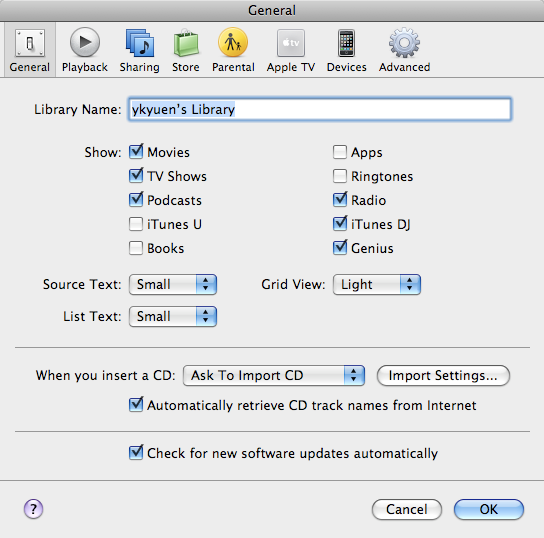
2. Click Import Settings… and pick AIFF Encoder for the Import Using option

3. Add and select your audio file in iTunes
4. Click Advanced -> Create AIFF version
5. Drag the newly created file from iTunes to Desktop and rename it from .aif to .caf
Done =)
Reference:

 Eureka!