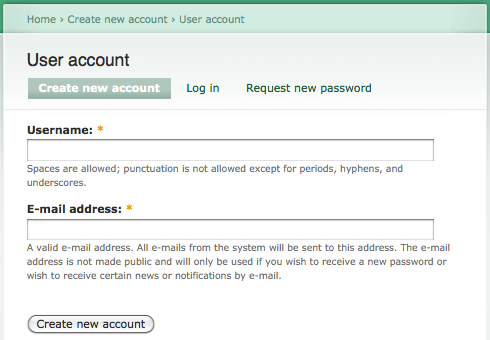
For the Drupal registration form, there is no .tpl.php template file for editing the registration form layout. So if you want to add more HTML code around the form, you have to do it on code level.
I found a useful post about modifying the registration form. It make use of the template.php in the theme folder to theme the form. For more information. Please visit Drupal – Custom registration page theme.
Automatic role assignment for admin created accounts
Assign role by path for user registration
Allow user to choose the roles in the user registration form
After the module installation, you could configure the Auto Assign Role setting @ Administer –> User management –> Auto assign role. Now, i would show you how to assign the role to user by the registration path. i am not going to demonstrate the others as they are quite straight forward. Continue reading Drupal – Auto Assign Roles to Newly Registered User→
Drupal provides a powerful form API for form generation. In this post, i will show you how to create a simple form and log it in watchdog whenever the form button is clicked.
The following code help displaying a warning message and redirect to the site home page if a node translation does not exist. Create a custom module and implement the hook_init() method as follow. Continue reading Drupal – Redirect when Missing Node Translation→
Drupal has a cron.php at the root directory. you can run the this cron job by either entering the http://<drupal_root>/cron.php in browser or running it directly in the Drupal status report.
The default Drupal cron job cleans up log files and checks for Drupal and modules updates. If you want this cron job to be run at a regular interval, just edit the crontab by the following command.
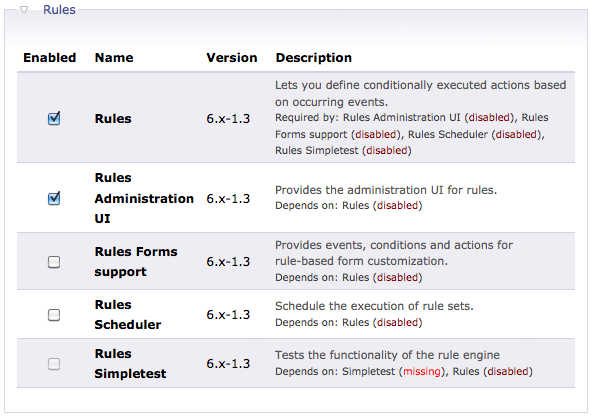
Whenever a rule is fired, you can add some conditions to validate if the actions should be run. And you can even setup a PHP code condition for rule. But this feature required the PHP Filter in the Drupal Core modules. Continue reading Drupal – Enable Custom PHP Code Condition for Rules→


 Eureka!