
The Ant <exec> task allows us to run shell command in Ant script. We could provide input arguments like the following example which prints today’s weekday.
build.xml
<?xml version="1.0" encoding="UTF-8"?>
<project name="Ant Piped Commands" default="today" basedir=".">
  <target name="today">
    <exec executable="date" outputproperty="weekday">
      <arg value="+%A" />
    </exec>
    <echo message="Today is : ${weekday}"/>
  </target>
</project>
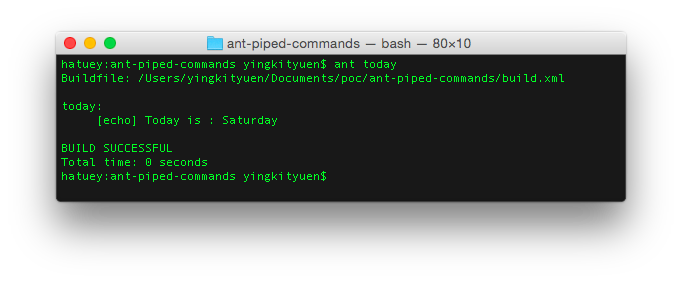
Piping commands is also allowed but we need to use the sh command and put all other commands as a single input. The following example counts the number of files in the project root.
build.xml
<?xml version="1.0" encoding="UTF-8"?>
<project name="Ant Piped Commands" default="count" basedir=".">
  <target name="count">
    <exec executable="sh" outputproperty="noOfFiles">
      <arg value="-c" />
      <arg value="ls | wc -l" />
    </exec>
    <echo message="noOfFiles: ${noOfFiles}"/>
  </target>
</project>
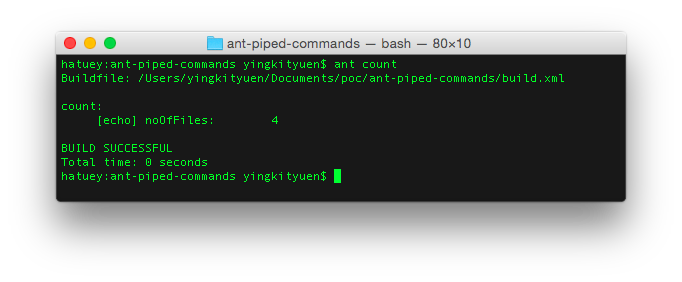
Done =)
Reference: StackOverflow – How do I use the Ant exec task to run piped commands?

 Eureka!