
We talked about how to add previous and next node links in Drupal 6.
Drupal – Add Previous and Next Links for Node Navigation
In Drupal 7, there is a module called Flippy which could implement this feature without any coding.
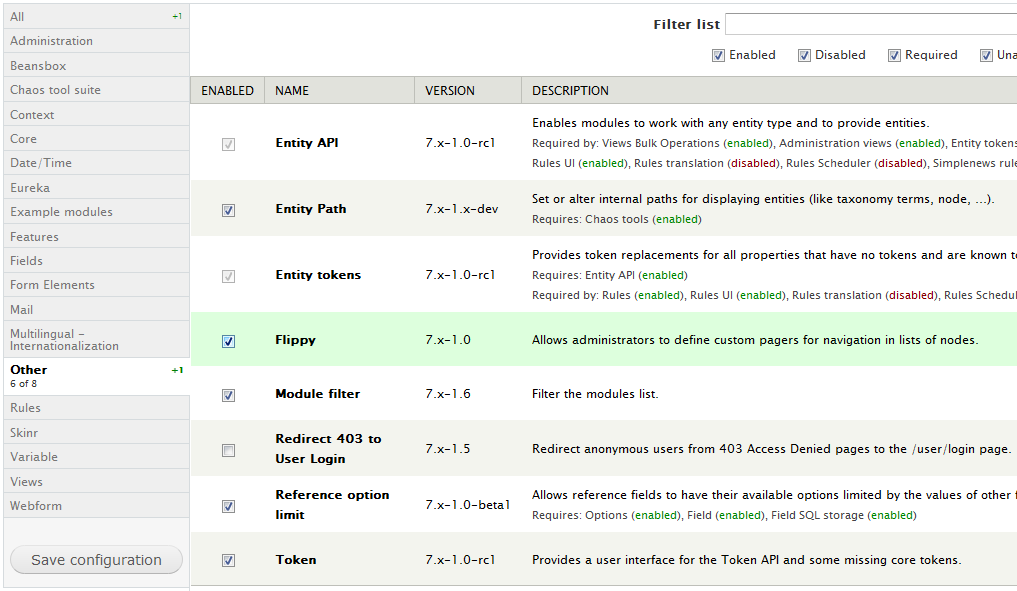
1. Download and enable the module.
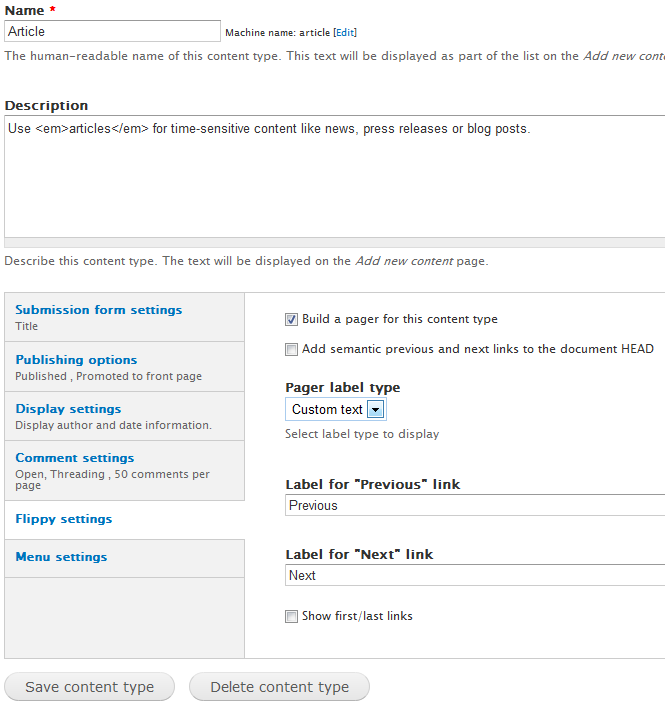
2. Go to the content type edit page and you will find the Flippy settings. You can use custom text, node ID, or node title as the link title.
3. Check it out on the node view.

Done =)
Reference: Drupal module – Flippy

 Eureka!
One thought on “Drupal 7 – Display Previous and Next node links on node view using Flippy module”