
By default the user registration form only contains user name and email fields. We can add more user profile fields and include them in the registration form by enabling the Profile module. But that does not include the password field.
Again, i found a module called LoginToboggan module which enhance the default Drupal login system. After you have enabled this module, you configure it by browsing the http://<drupal>/admin/user/logintoboggan
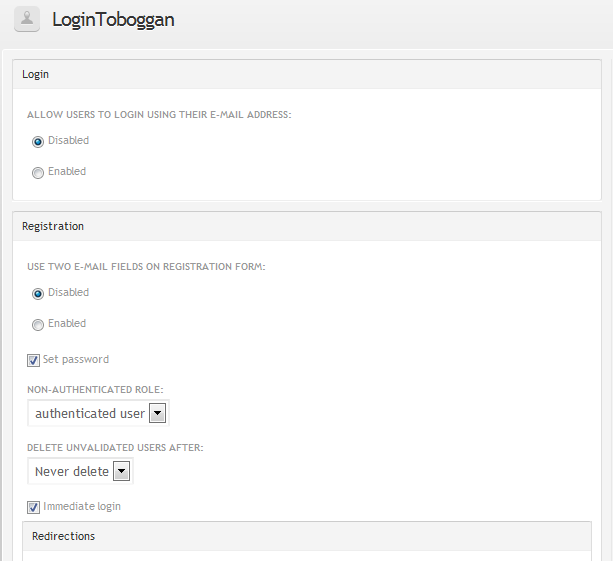
Check the Set password checkbox you can find the password and confirm password fields in the user registration form. You can also make the email field twice by this module to ensure the correct email is entered by user.
Done =)
Reference: Drupal Module – LoginToboggan

 Eureka!
Thanks a lot! This is a really relevant article!!
LikeLike
you are welcome. =)
LikeLike