
The Calendar module integrates with the Views module to show a calender view in Drupal.
1. Download and enable the calendar module.
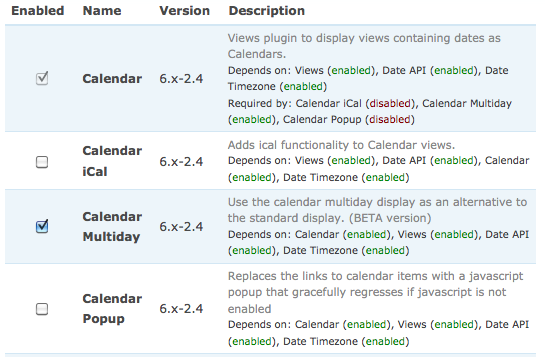
2. Enable the calendar view @ Administer -> Site building -> Views.

3. This default calendar view will list all the nodes and it updated dates in the calendar. Check it out @ http://<drupal>/calendar.
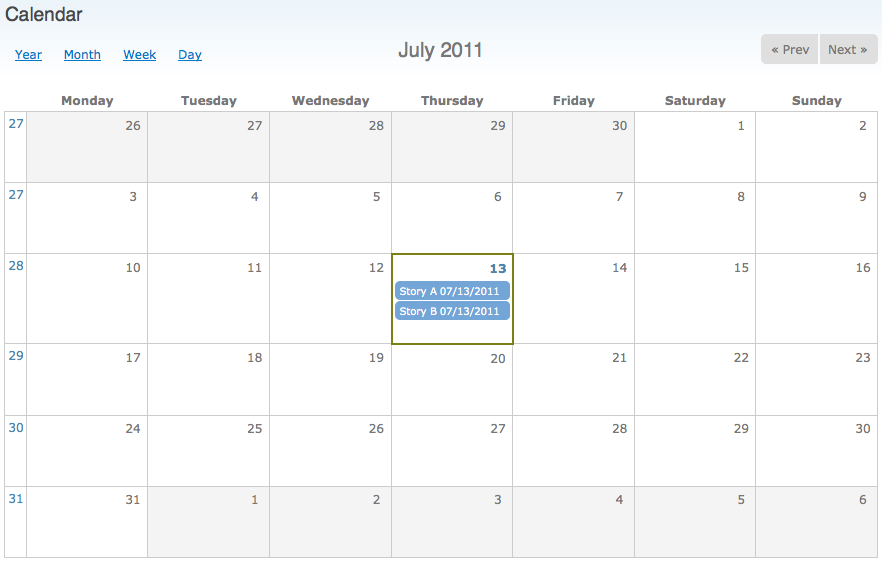
There are different types of calendar views including Year, Month, Week and Day. Check it out!
Never edit the default calendar view since it should be used as a seed. So whenever you want to customize your own calendar, create it by cloning this calendar view.
Done =)
Reference: Drupal Module – Calendar

 Eureka!
2 thoughts on “Drupal – Calendar”