
Sometimes you may want to limit the access of your Drupal site. The Secure site module could help you to add HTTP authentication with the Drupal user accounts.
1. Download and enable the module.

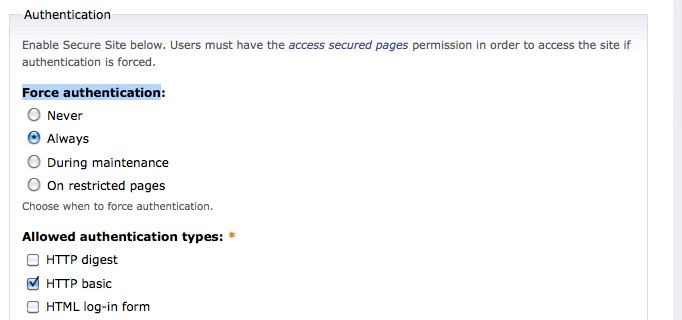
2. Go to Site configuration -> Secure Site and set Force authentication to Always.
3. Enable the permission

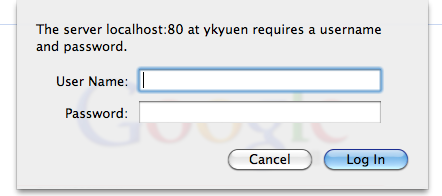
4. An authentication box is prompted if u haven’t logged in.
Done =)
Reference: Drupal Module – Secure Site

 Eureka!