
Most of the time we would like to know more about our website visitors. The Webform module let you create your own form for and gather user information in a very convenient way.
Enable the Webform module and you will there is a new content type called Webform. Let’s create a new Webform and see what we can do with it.
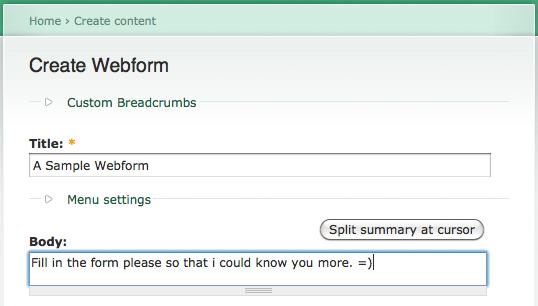
After you have created your first webform, you need to configure its setting. First, we need to define the form fields.

Then, configure the email address and the template for the recipient after the form submission.

Finally, you need to configure the confirmation page after the form submission.

So everything is ready. let’s make our first form submission.

An email notification will be delivered to your Webform recipient address. In addition, you can check all the form submissions in your Webform content page.
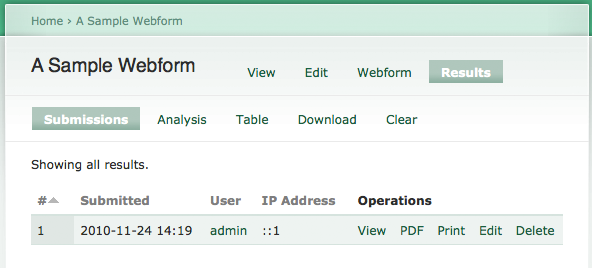
Done =)
Reference: Drupal Module – Webform

 Eureka!