
If you find the fonts of your Drupal site quite boring. The @font-your-face module could make the text of your Drupal site more fun. Before proceeding, it would be great if your PHP is already enabled with the zip extension. but no worry if you doesn’t have the zip extension. We can still complete it without any problem.
Download and enable module with those free fonts.

Now you can add new fonts through the @font-your-face tab @ Adminster –> Site building –> Themes.
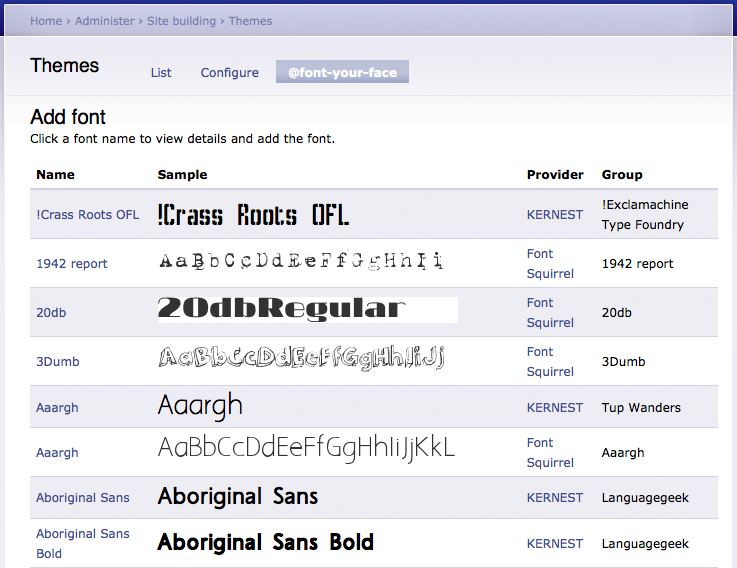
So now you should be able to use the new font through css file or add it directly in the font setting page. Say, i want to modify the site title font. Let’s find its class name first.

The class is #wrapper #header #logo-floater h1 span. So we can move on to add a new font. Unfortunately, if you PHP does not have a zip extension installed. you may not able to extracted the downloaded font just what i got below.

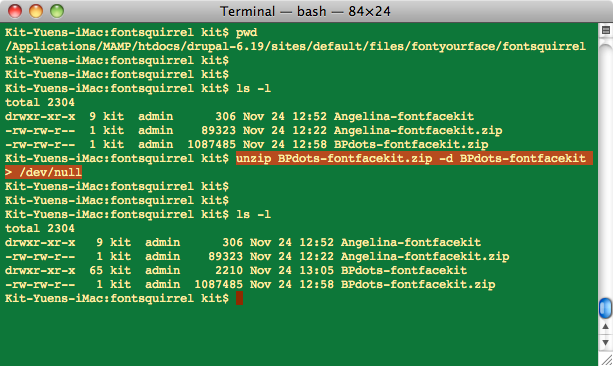
It seems that we got stuck here. but if PHP cannot unzip, why don’t we do it by ourselves. Just go to the downloaded path and unzip it.
Add the font again add add our css class to it.
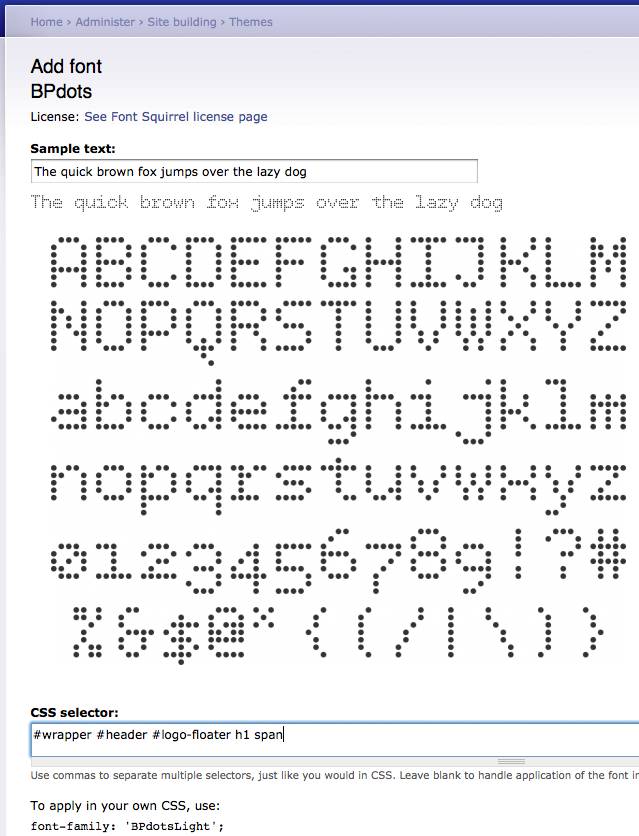
Since the BPDots font can doesn’t show the dot well, the following snapshot is token for Angelina font.
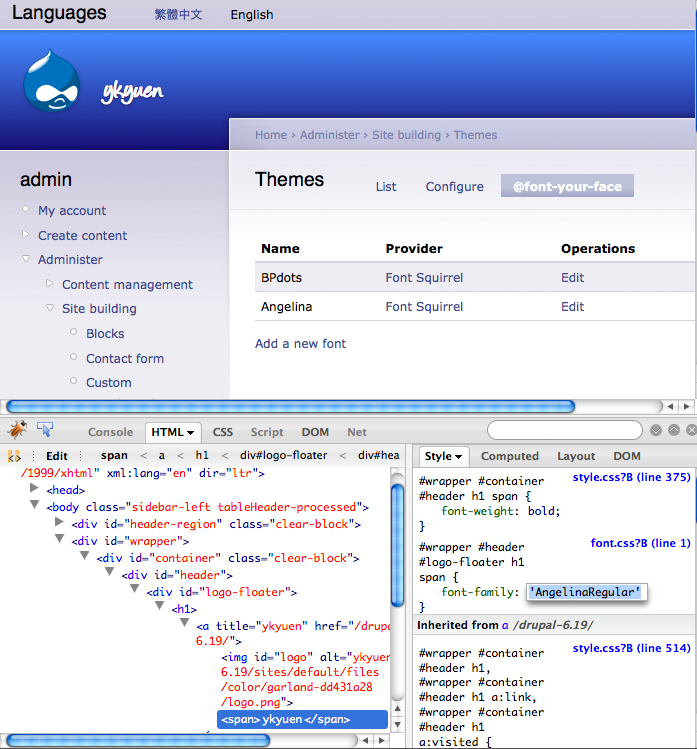
Done =)
Reference: Drupal Module – @font-your-face

 Eureka!
One thought on “Drupal – Customize Fonts in Drupal”