
Usually, the web root directory has folders containing the some files and images. When user browse the directory url in the browser, he/she could access those files and images as shown in the following picture.
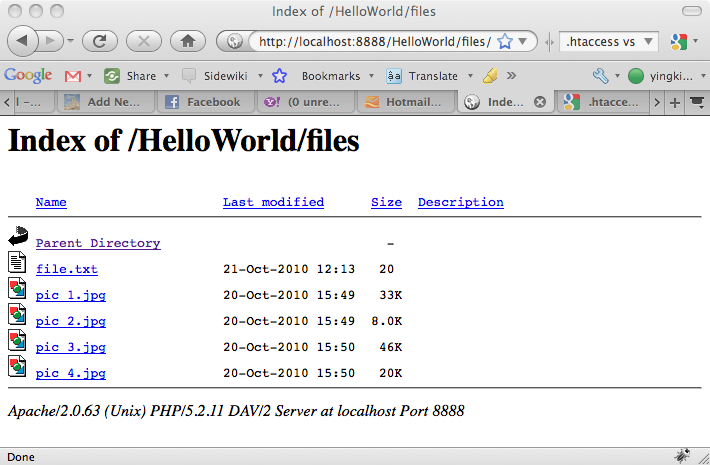
There are two ways you can disable the directory listing such that when user access the url, page 403 is shown.
Method 1 – .htaccess
Create a .htaccess file in the web root directory as follow. Comment the line as of your preference.
# Enable Directory Listing (Default)
Options +Indexes
# Disable Directory Listing
Options -Indexes
Method 2 – Apache httpd.conf
You can also define the rules in the Apache configuration file. Set the Options to -Indexes.
<Directory /Applications/MAMP/htdocs/HelloWorld/>
	Options -Indexes FollowSymLinks MultiViews
	AllowOverride All
	Order allow,deny
	Allow from all
</Directory>
You will get the page 403 now.

Done =)

 Eureka!
One thought on “Apache – Disable Directory Listing”