
The Image module allows you to add new node with a new content type called Image. The uploaded image could be viewed in original size, thumbnail size and previews size. This can be configure @ Administer –> Site configuration –> Images.
I would like to share two more features in this module.
- Image Attached – Allow you to add images in other content types
- Image Gallery – Group the Image nodes into Image Gallery by Taxonomy (include Views support if you have Views 6.x-2.6 or later)
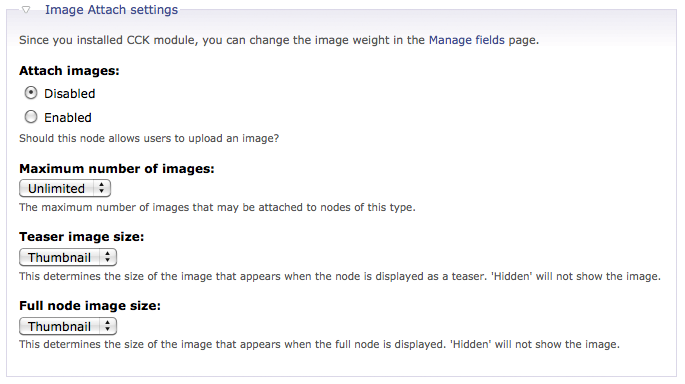
After you have enabled the Image Attached features in your Drupal. you can now allow image upload in content types. Just go to a particular content type edit page and you will find the Image Attached settings.
For Image Gallery, let’s create 2 galleries @ Administer –> Content management –> Image galleries.

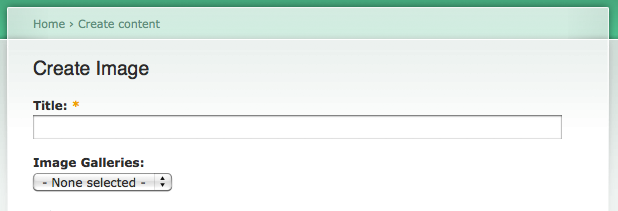
Create new Image contents and select Image Gallery for them.
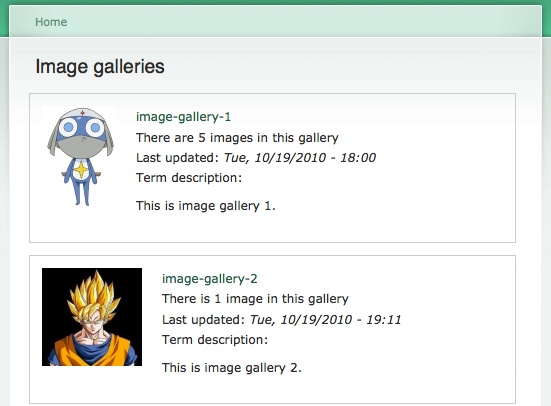
You can find all the galleries @ http://<drupal_root>/image.
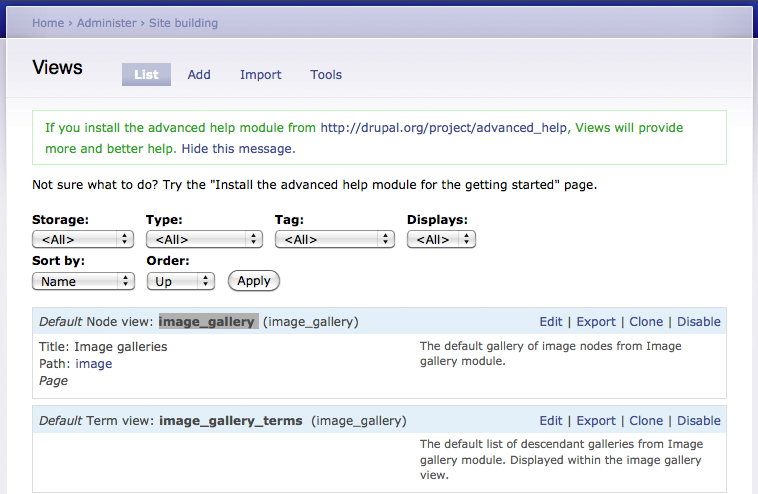
If you have installed Views module, you can find 2 more default views @ Administer –> Site building –> Views.
Done =)
Reference: Drupal Module – Image

 Eureka!
How to add a image in my home page of wordpress site.
Can u please help me?
LikeLike
After logged in to your wordpress blog, you can change the theme @ Appearence -> Themes.
Andyou change the theme background image @ Appearence -> Background.
Just keep exploring the WordPress function by clicking every buttons in the admin panel. =)
LikeLike