
Yesterday, we have talked about how to create and customized a new content type with CCK. As i have mentioned, there are some CCK field modules such as Email and Date. This article will show you how to add a Email Field in the content type.
First, download the Email Field module to extract it to your modules folder. You will find the There is a Email option under the CCK module selection.

Next, edit the Listed Item content type and add the Contact Email field.

After completing all the setting, you can now fill in the Contact Email field when trying to create a new Listed Item.
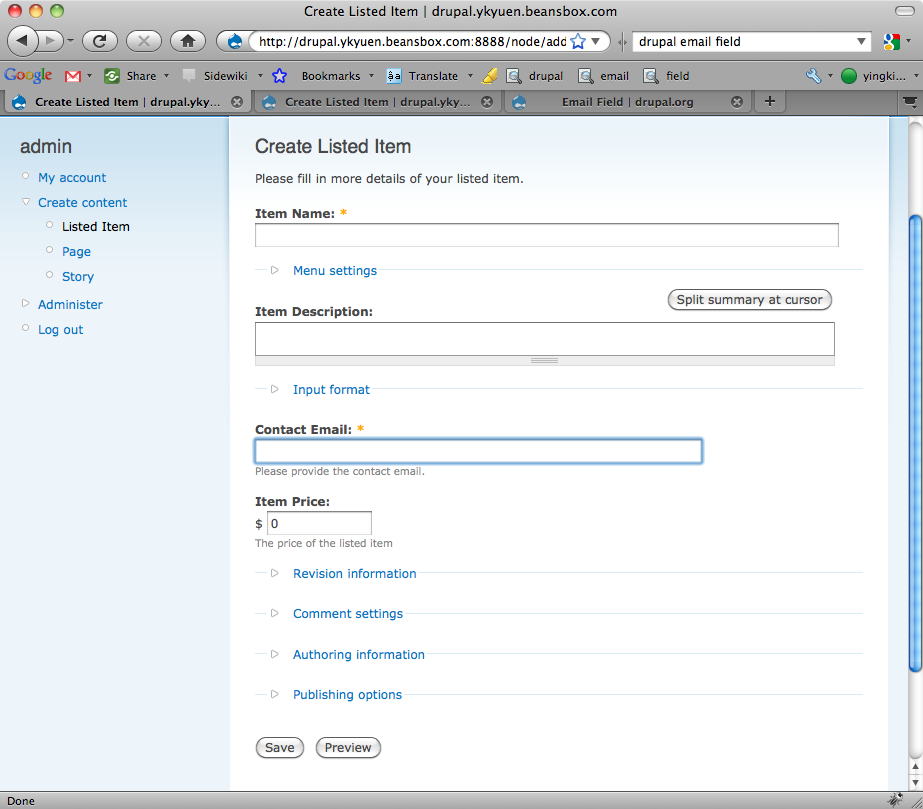
Done =)
Reference:

 Eureka!