
When you have modified the database during the iPhone Application Development, you have to remove the application in the iPhone Simulator so as to remove the outdated database. Then build and run you latest code and that will apply the new database to the iPhone Simulator.
Another way to remove the database is to delete it directly in you Mac. The path of the iPhone applications in the iPhone Simulator can be found at:
- /Macintosh HD/Users/<username>/Library/Application Support/iPhone Simulator/User/Applications/
There would be many random named folder and you can distinguish the applications by looking into the files inside. The picture below shows the SQLite database AnimalDatabase.sql of application SQLiteTutorial.
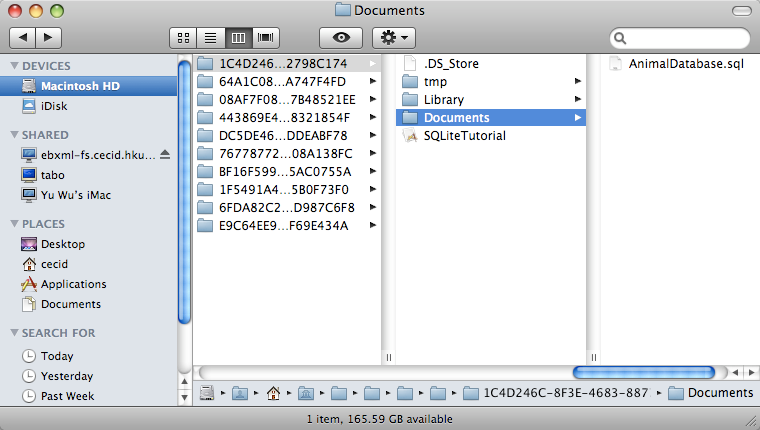
Done =)
Reference: SQLite Database Caching On iPhone Simulator

 Eureka!