
In iPhone Application, you can use the UIAlertView to create a message box. The following code is an example.
UIAlertView *alert = [[UIAlertView alloc] initWithTitle:@"Title" message:@"Your Messaage" delegate:nil cancelButtonTitle:@"OK" otherButtonTitles: nil];
[alert show];
[alert release];
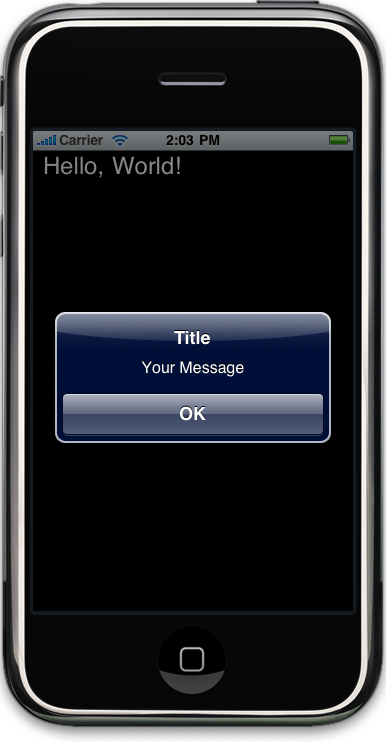
Done =)
Reference: simple message box popup?

 Eureka!
Hi) I have error in [alert release]. Why?
LikeLike
What error did u get?
LikeLike