
Here are the steps about how to capture a screenshot on your Android phone. Please note that it is for Windows user only.
1. Install the Android SDK
2. Enable the USB Debugging on your Android phone
– Settings > Applications > Development
3. Connect the phone to the computer using the USB cable
4. Install the ADB driver which is located at /android-sdk/usb_driver
5. Start the Dalvik Debug Monitor – /android-sdk/tools/ddms.bat
6. You should be able to find your phone listed in the monitor
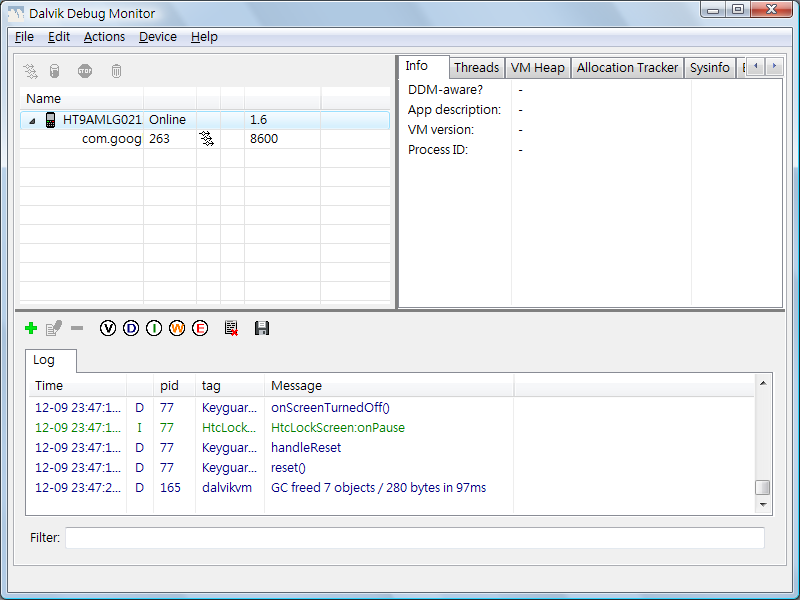
7. Select your phone
8. Click Device > Screen Capture or Ctrl + s
9. Your screen is captured and u can save it as a .png
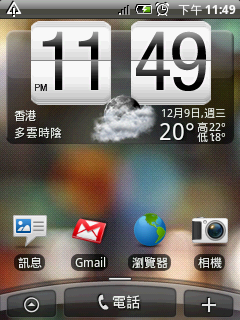
Done =)

 Eureka!
Interesting! will try this.
LikeLike
hope this help =)
LikeLike