
1. Download the Android SDK of your OS at the Android Developer Web Site
2. Extract the download files
3. Set the PATH variable
- Windows – Append :<your_sdk_dir>\tools at the end of the PATH in Environmental Variables
- Linux – Add export PATH=${PATH}:<your_sdk_dir>/tools in .bashrc
- Mac – Do the same as Linux
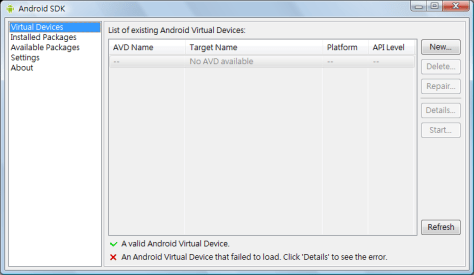
4. Verify the Android installation by typing android in command prompt. This will start the Android SDK just like the following picture.
Done =)

 Eureka!